

Ordering Portal:
How-To Guides
Our new portal is almost live! Learn how to use it now.
Ordering Portal:
How-To Guides
Our new portal is almost live! Learn how to use it now.
Ordering Portal Highlights: What’s Changing?
- Faster loading and checkout, so completing an order takes less time.
- A “quick add” feature that lets you build a group order using material number.
- A quick pricing check right from your dashboard, just enter the material number and quantity.
- Invoice search and CSV export, so you can pull your data or individual documents whenever you need them.
- A clear view of pending and recently shipped orders all in one place with easy access for you and your staff.
IMPORTANT REMINDER: You will need to set a new password during your first login attempt. Your username and internal ordering data will transfer over automatically, so the new ordering portal will require no other updates on your end.
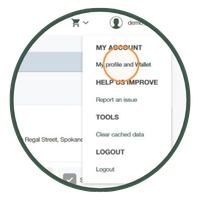
How-To:
Account Management
Manage your invoices, payments, and wallet.
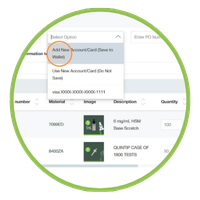
How-To:
Create New Orders
View, place new orders, and reorder items.
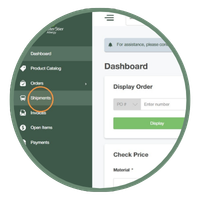
How-To:
Order Tracking
Track the delivery status of your orders.

How-To:
Product Catalog
Search for items and add them to your cart quickly.

Quick FAQ
Sheet
Quick answers to some of the common questions.
Request a Quote
Complete the fields below and a customer service representative will be in touch.